Smart ring syncing lag is normal: stop using it like a live watch
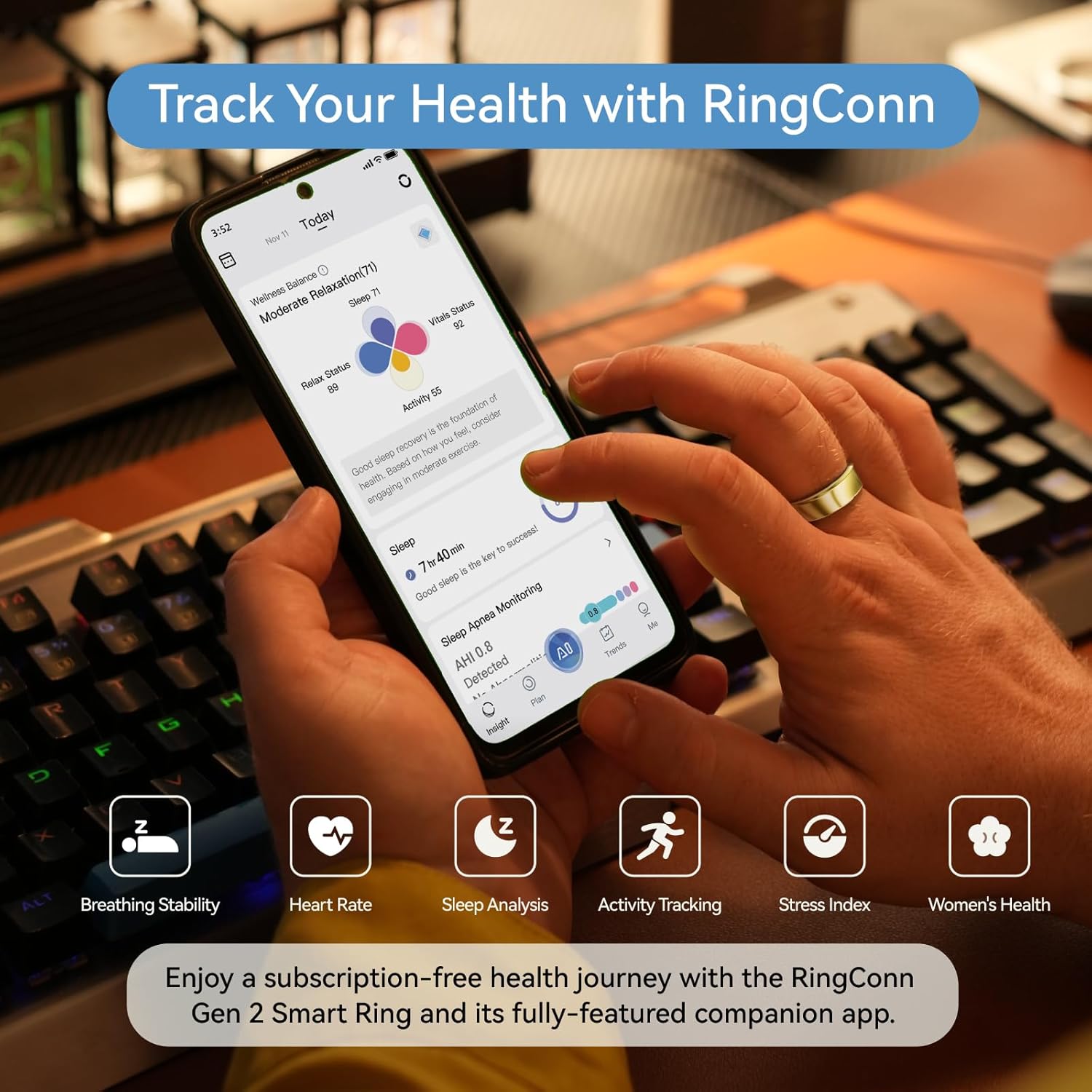
Why smart rings don’t sync like watches
Smart rings and smartwatches serve different purposes, which drives a fundamental design difference:
| Smartwatch | Smart ring | |
|---|---|---|
| Primary use | Real-time notifications, live metrics | Passive overnight health tracking |
| Bluetooth connection | Always on (persistent) | On-demand (connect to sync, then disconnect) |
| Battery trade-off | Charges daily | Lasts 5-17 days |
| Data model | Streaming | Batch collection |
Rings intentionally disconnect after syncing to preserve battery. This means your data is always “delayed” — and that’s by design, not a bug.
What is normal sync behavior
| Scenario | Expected delay | Normal? |
|---|---|---|
| Morning sleep data after opening app | 1-5 minutes | Yes |
| Heart rate readings showing gaps | Always (ring samples periodically) | Yes |
| Yesterday’s data appearing after sync | Instant once sync completes | Yes |
| Data from 2 hours ago not showing | Until next sync | Yes |
| No data for 3+ days despite syncing | — | NOT normal, troubleshoot |
The mental model that prevents frustration
Think of your smart ring like a journal, not a live feed:
- You wear it all day/night → it writes entries silently
- You “open the journal” (sync) once per day → entries appear
- You read the story of yesterday, not the story of right now
If you check your ring app 10 times per day expecting new data each time, you’ll feel like it’s “broken.” It’s not — you’re using it like a watch.
Why sync lag exists (technical reason)
Smart rings have tiny batteries (5-20 mAh). Maintaining a persistent Bluetooth connection would drain the ring in 1-2 days. Instead:
- Ring collects sensor data to onboard storage
- You open the app → phone initiates Bluetooth connection
- Ring transfers stored data in bulk → connection closes
- Ring returns to low-power mode
This batch approach is why RingConn Gen 3 achieves 12-17 day battery life while an always-connected device manages 1-2 days.
Which rings sync faster?
| Ring | Typical sync speed | Background sync? |
|---|---|---|
| RingConn Gen 3 | 1-3 minutes | No |
| Oura Ring 4 | 30 seconds - 2 minutes | Partial (checks periodically) |
| Samsung Galaxy Ring | Near real-time (phone integration) | Yes (Samsung phones only) |
| Ultrahuman Ring Air | 1-3 minutes | No |
Samsung Galaxy Ring is the exception — it maintains a tighter connection with Samsung phones specifically. But it pays for this with shorter battery life (5-6 days vs 12-17 days for RingConn).
The optimal daily habit
- Wake up
- Open the ring app while brushing teeth or making coffee
- Wait for sync to complete (you’ll see last night’s sleep data populate)
- Glance at sleep score and HRV trend
- Close the app. Done for the day.
That’s it. One sync, one glance, move on. The ring works best when you forget you’re wearing it.
What to read next (pick your path)
If you’re deciding what to buy:
If you want cleaner data:
If workouts matter: