RingConn Not Syncing? Fixes That Work (Step by Step)
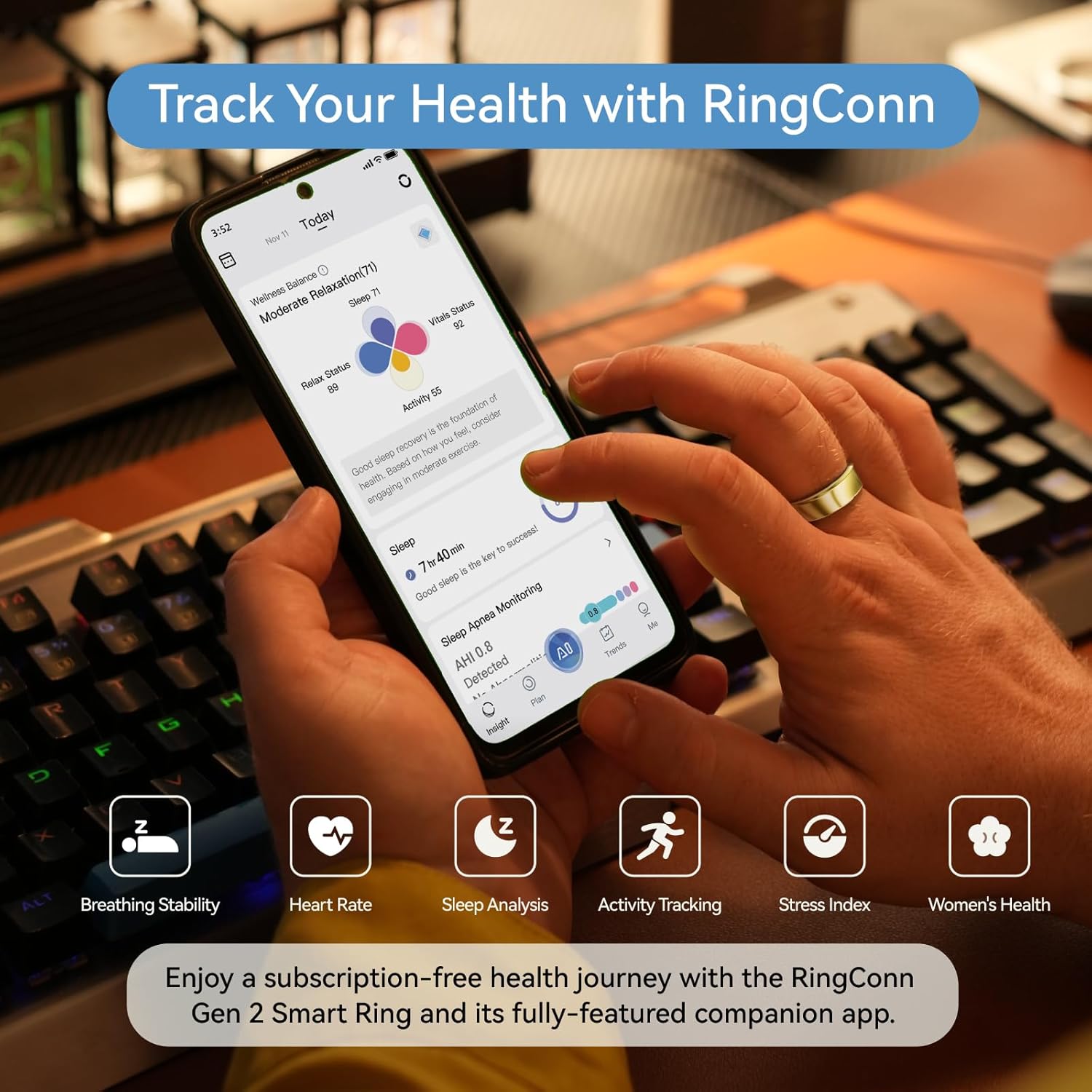
If your RingConn looks “wrong”, don’t assume the ring is broken. Most issues come from a few repeatable causes: fit, syncing habits, and expectations about real-time feedback. If it’s a data accuracy issue rather than syncing, see our accuracy guide.
This page is designed for the search intent behind “RingConn not syncing: fixes that work (in order)”: you want a fast fix that works.
What you’ll usually notice
- The app shows old data and won’t refresh
- The ring is connected sometimes, then disappears
- Data appears hours later and feels ‘broken’
The fastest path to a fix (in order)
Fix 1
Close the app completely, then reopen it once. Avoid repeated refresh loops.
Fix 2
Check phone Bluetooth is on, then confirm the RingConn app has Bluetooth permissions.
Fix 3
On Android, disable battery optimization for the RingConn app.
Fix 4
Do a single manual sync, then wait a few minutes. Batch syncing is normal.
What is normal vs what is not
- Normal: occasional sync lag, data filling in after a single daily sync.
- Not normal: the ring never syncs across multiple days, or the app cannot see the device at all.
What to read next (pick your path)
If you’re deciding what to buy:
If you want cleaner data:
If workouts matter: