RingConn firmware update guide: when to update, and when to leave it alone
· 3 min read
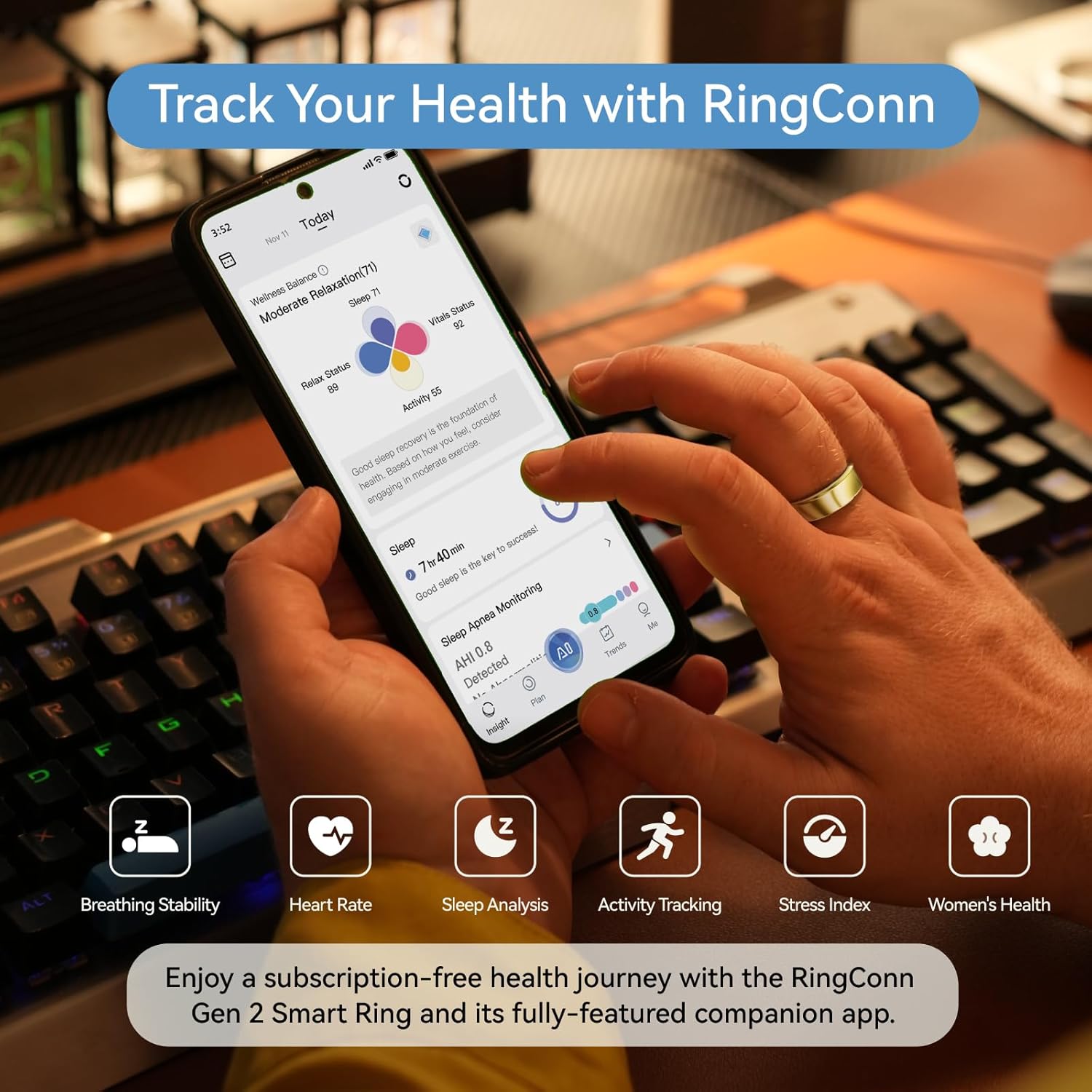
How to update RingConn firmware
- Open the RingConn app
- If an update is available, a banner or notification appears on the home screen
- Tap “Update” and keep the ring within Bluetooth range (within 1 meter of phone)
- Keep the app open and screen on during the entire process
- Wait for completion — do NOT close the app, restart your phone, or remove the ring from range
The update typically takes 3-8 minutes depending on the firmware size.
Before you update: preparation checklist
- Ring battery above 50%. Updates can fail mid-way if battery runs out. Charge first.
- Phone battery above 30%. Same reason — phone dying mid-update can brick the connection.
- Stable environment. Don’t update while commuting, in an elevator, or anywhere with Bluetooth interference.
- Sync your data first. Open the app and do a full sync before updating, so your latest data is saved even if something goes wrong.
When to update
Update when:
- The changelog mentions a fix for an issue you’re experiencing
- The app shows a “required update” (not optional)
- You’re about to travel and want stability for the trip
Skip the update when:
- Everything is working fine and the update is optional
- You’re about to leave the house or start a trip
- The changelog only mentions “performance improvements” with no specifics
- You’re in the middle of tracking something important (sleep study, recovery period)
What firmware updates typically fix
| Update type | Examples |
|---|---|
| Sensor calibration | Improved SpO2 accuracy, better sleep stage detection |
| Connectivity | Faster Bluetooth pairing, fewer sync drops |
| Battery optimization | Better power management, longer standby |
| New features | New metrics, new app integrations |
| Bug fixes | Data gaps, incorrect readings, app crashes |
Common update problems and solutions
Update stuck at a percentage:
- Wait at least 10 minutes before taking action — some stages are slow
- If stuck over 15 minutes: close the app completely, reopen, and try again
- Do NOT restart your phone during an update
Update failed:
- Put the ring back in the charging case for 30 seconds
- Take it out, open the app, and retry
- If it fails 3 times: uninstall and reinstall the app, then retry
Ring not responding after update:
- Place in charging case for 5 minutes (this forces a soft reset)
- Open the app — it should reconnect automatically
- If not: forget the device in Bluetooth settings, re-pair from scratch
Lost data after update:
- Rare but possible. This is why syncing before updating matters.
- Data stored on the ring (not yet synced) may occasionally be lost during firmware writes
- Previously synced data in the app is never affected
Update frequency
RingConn releases firmware updates roughly every 4-8 weeks. You are never forced to update immediately — optional updates can be deferred indefinitely without losing functionality.
What to read next (pick your path)
If you’re deciding what to buy:
If you want cleaner data:
If workouts matter: