RingConn Apple Health sync guide: what transfers, what doesn’t, and what is normal
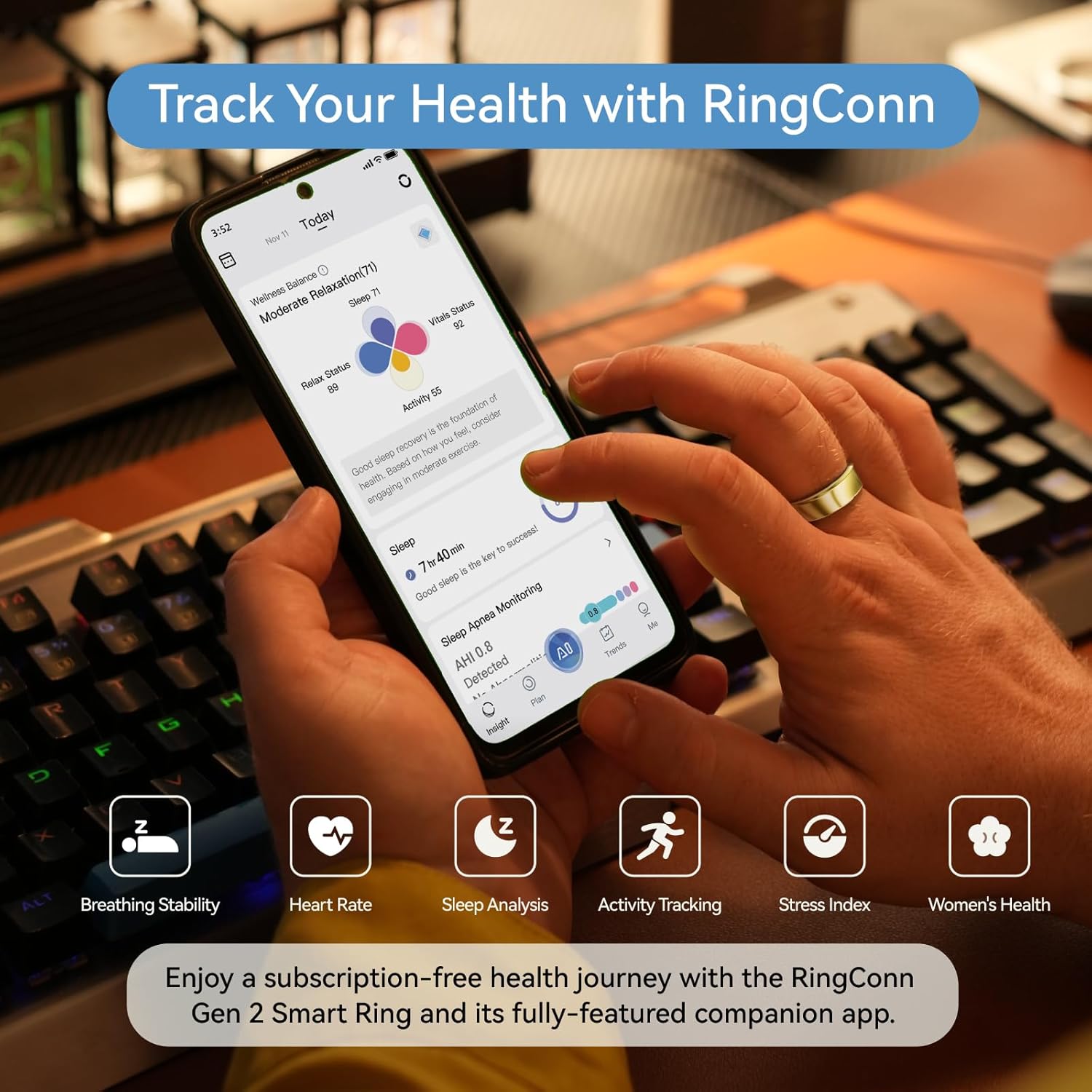
If you’re using an iPhone, Apple Health is the “single dashboard” people want. The frustration is that rings don’t always behave like a live watch.
This guide calibrates expectations, then gives a simple troubleshooting order.
How to connect RingConn to Apple Health
- Open the RingConn app → Settings → Health Connections
- Tap “Apple Health” and grant all requested permissions
- Return to iOS Settings → Health → Data Access → RingConn, confirm all categories are enabled
- Do one full sync in the RingConn app
- Open Apple Health → Browse → check that sleep and heart rate data appear
If you completed these steps and still see nothing, wait 15 minutes. The first sync can take time to propagate.
What data syncs to Apple Health
| Metric | Syncs? | Notes |
|---|---|---|
| Sleep duration | Yes | Appears as “In Bed” and “Asleep” |
| Sleep stages | Partial | REM/Deep/Light may appear depending on app version |
| Heart rate | Yes | Periodic samples, not continuous |
| HRV | Yes | Typically overnight readings |
| Blood oxygen | Yes (Gen 3) | SpO2 spot checks |
| Steps | Yes | Daily totals |
| Active energy | Varies | Not always consistent |
What does NOT sync
- Readiness score (proprietary to RingConn)
- Stress score
- Temperature trends
- Sleep quality score
These metrics live only in the RingConn app because Apple Health has no matching data categories for them.
Common issues and fixes
Data appears hours late. Normal. RingConn syncs in batches, not real-time. If you sync at 8 AM, data may not appear in Apple Health until 8:15-8:30 AM.
Duplicate data in Apple Health. If you also wear an Apple Watch at night, Health will show overlapping sleep entries. Go to Settings → Health → Data Sources → prioritize which device you trust for sleep.
Steps don’t match. iPhone steps come from the phone’s accelerometer. RingConn steps come from finger motion. They measure different things and will never be identical. Apple Health shows both sources separately.
Sync stopped working after iOS update. Re-authorize permissions: Settings → Health → Data Access → toggle RingConn off and back on.
Expectation calibration
Rings are not watches. The data flow is:
- Ring collects passively → you open the app → app syncs to phone → app pushes to Apple Health
This means a 1-4 hour delay between wearing the ring and seeing data in Health is completely normal.
What to read next (pick your path)
If you’re deciding what to buy:
If you want cleaner data:
If workouts matter: