RingConn Charging Case Lights & Charging Tips by Model
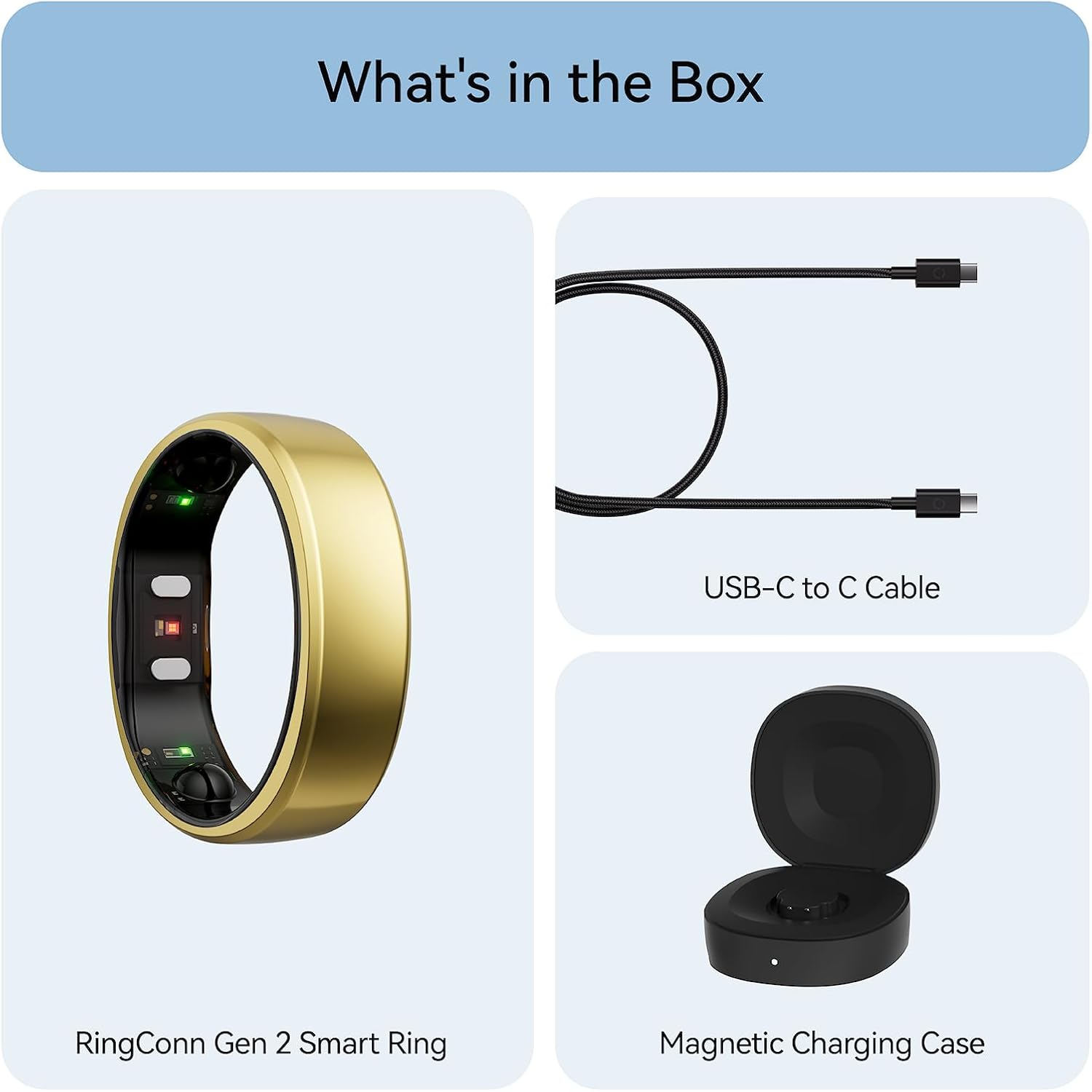
First identify your charger. RingConn Gen 3 includes a universal wireless charging case, Gen 2 includes a size-specific charging case, and Gen 2 Air includes a wired charging dock. The dock does not store extra power. Charging times and indicator colors should not be copied from one model to another.
This guide uses RingConn’s Gen 3 manual, Gen 3 support, Gen 2 support, and Gen 2 Air product page, checked September 24, 2026.
Charger and timing by model
| Model | Included charger | Ring charge claim |
|---|---|---|
| Gen 3 | Universal battery case | About 90 minutes |
| Gen 2 | Size-specific battery case | About 90 minutes |
| Gen 2 Air | Wired dock, no battery | About 90 minutes |
RingConn’s Gen 3 manual also lists about 120 minutes to fill the Gen 3 case. These are manufacturer estimates; the starting battery level and room temperature affect actual time. The old guide’s case-capacity numbers, exact “full charges,” and 60-minute Gen 3 claim were not verified for these models.
What do Gen 3 case lights mean?
The Gen 3 quick guide separates the light inside the case from the one outside:
- Inside, pulsing blue: the ring is charging.
- Inside, solid blue: the ring is fully charged.
- Outside, solid orange: the case is below 20%, or is charging but not yet full.
- Outside, solid blue: the case is at least 20%, or is full while plugged in.
- Outside, flashing orange: an input or output charging fault.
These are not red/green status codes. A red glow inside the ring is a sensor light, not a case charging light; see the red-light troubleshooting guide.
Gen 2 and Gen 2 Air are different
The Gen 2 support page lists blue indicators for the ring’s charge state, orange for a low case battery or charging fault, and white for some case power states. Its guidance notes that a brief light that turns off after placing the ring in the case can still be normal; verify the battery level in the app rather than judging by one flash.
Gen 2 Air’s included wired dock has no battery reserve. It needs a USB-C power connection. Do not expect it to work like a portable case during travel.
A safe charging routine
- Charge in a dry, room-temperature location with the model’s approved accessory and a suitable adapter.
- Dry the ring after a shower or swim before placing it in the charger. The Gen 3 manual says charging products are not waterproof and should not be kept in humid rooms such as bathrooms.
- Gently clean the ring and charger contacts with a soft, dry cloth if charging does not start. RingConn support says not to use alcohol or corrosive cleaners.
- Check the model-specific indicator and battery status in the app. If the Gen 3 case flashes orange, check the cable and power source, then contact RingConn if the fault persists.
- Stop charging a wet, damaged, or excessively hot device. Do not open the ring or try to replace its battery.
For a ring that still does not charge or connect, follow the model-specific troubleshooting sequence or contact RingConn support. Avoid relying on unmeasured claims such as a fixed percentage gained during a short shower or meeting.