RingConn Gen 3 vs Gen 2 (2026): Should You Upgrade?
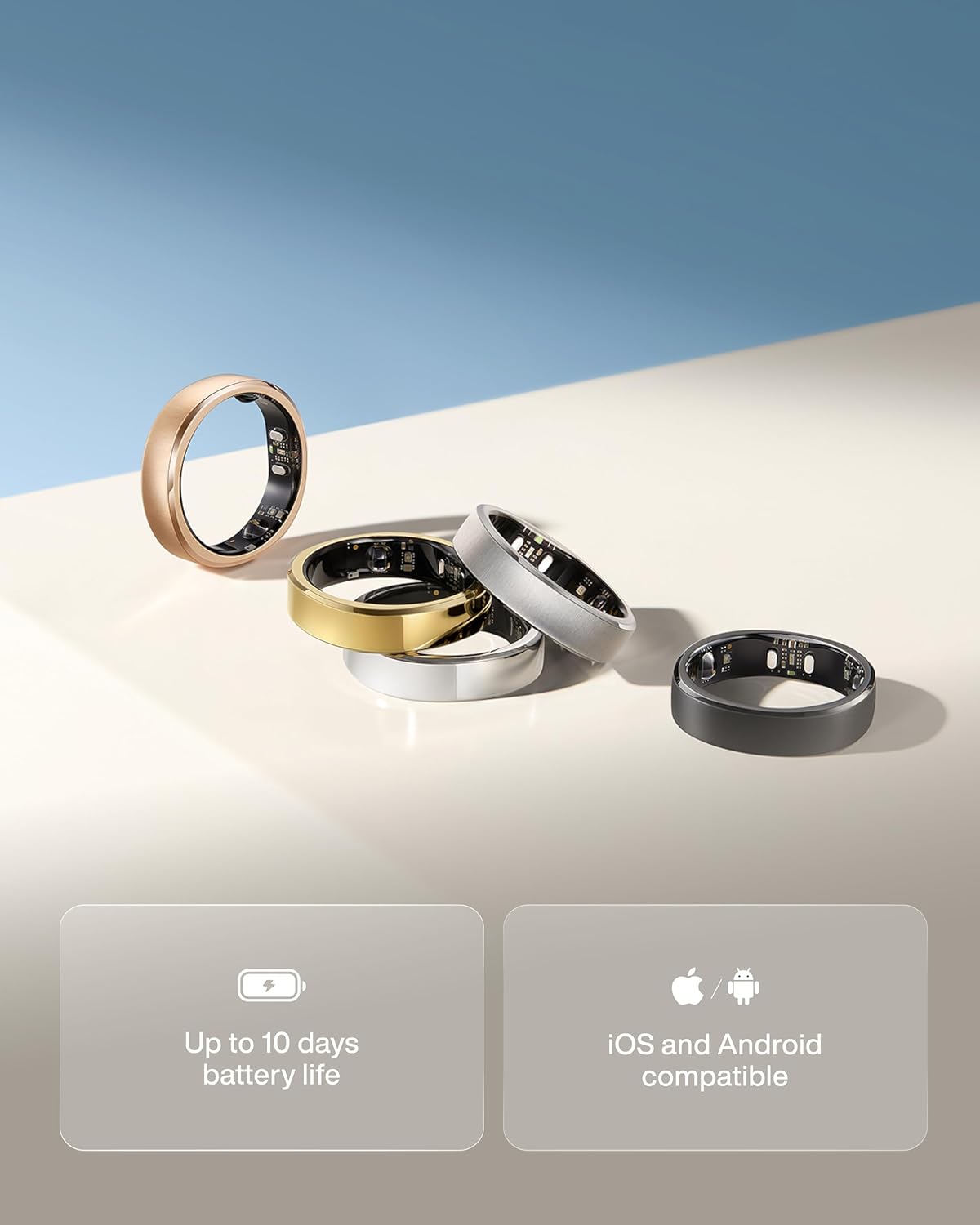
RingConn Gen 3 costs $50 more than Gen 2 ($349 vs $299). With the trade-in program, existing owners can save up to $90 — bringing the effective upgrade cost as low as $259.
But is the upgrade worth it? This guide breaks down the real differences.
Price comparison
| Model | Price | Notes |
|---|---|---|
| Gen 3 | $349 | Latest model, full features |
| Gen 2 | $299 | Still available, proven reliability |
| Gen 2 Air | $199 | Entry-level option |
Trade-in discount: If you own any smart wearable (RingConn, Oura, Galaxy Ring, Apple Watch, etc.), you can get up to $90 off Gen 3. For the complete breakdown on Gen 3, read our full review.
Feature comparison
| Feature | Gen 3 | Gen 2 |
|---|---|---|
| Vibration alerts | Yes (health alerts only) | No |
| Blood pressure trends | Yes (nighttime) | Beta testing (limited) |
| Battery life | 14-17 days | 10-12 days |
| Sizing system | New (different from Gen 2) | Original |
| Sizes available | 6-15 | 6-14 |
| Colors | 5 options | 4 options |
| Sleep tracking | Same algorithms | Same |
| Heart rate/HRV | Same sensors + upgraded optical sensor | |
| App interface | Minor visual tweaks | Original |
| Subscription | None | None |
The real differences
1. Battery life (the most practical upgrade)
Gen 3 battery is genuinely better. Real-world testing shows:
- Gen 2: 10-11 days typical
- Gen 3: 17 days typical
For detailed battery test results and tips on maximizing it, see our Gen 3 battery life guide.
For travelers, this is meaningful. A 2-week trip without a charger is now realistic with Gen 3.
2. Vibration alerts (limited use case)
Gen 3 vibrates for:
- Health pattern alerts
- Low battery warning
- Finger-based alarm
It does NOT vibrate for:
- Phone notifications
- Text messages
- App alerts
If you expected smartwatch-style notifications, Gen 3 doesn’t do that. RingConn deliberately limited this feature.
3. Blood pressure trends (patience required)
Gen 3 tracks nighttime blood pressure trends automatically.
Caveats:
- Not a medical device
- Trends only, not absolute values
- Takes weeks to show meaningful patterns
- Gen 2 users had beta access to similar features
This is useful for long-term pattern tracking, not for “what’s my BP right now” questions. Read our Gen 3 blood pressure guide for what to realistically expect.
4. Sizing (don’t assume your Gen 2 size works)
Gen 3 uses a different sizing system. Size 10 in Gen 2 does not equal size 10 in Gen 3.
Always order the free sizing kit. Don’t guess.
Who should upgrade
Upgrade to Gen 3 if:
- You travel often (12–14 day battery matters)
- You want vibration alerts for health patterns
- You’re curious about blood pressure trends
- You can use trade-in discount (up to $90 off)
- Your Gen 2 battery is degraded after 1+ years
Stick with Gen 2 if:
- You only care about sleep and recovery tracking
- Battery life of 10-12 days is fine for you
- You don’t need vibration or BP features
- Budget matters (Gen 2 is $50-100 cheaper)
- Your Gen 2 still works fine
The honest truth
Gen 3 is an incremental upgrade, not a revolutionary one.
The core tracking experience is nearly identical. If you open the RingConn app, Gen 3 looks and feels like Gen 2 with minor visual tweaks.
The real question is: do vibration alerts and blood pressure trends, and longer battery matter to you?
For most Gen 2 owners, the answer is probably “no” unless you travel frequently or have specific interest in BP patterns.
For new buyers, Gen 3 at $349 is only $50 more than Gen 2 and includes vibration alerts, blood pressure, and longer battery — worth it for most people.
Buy RingConn Gen 3 on Amazon →
Sources
- RingConn Gen 3 product page (feature list and sizing note): https://ringconn.com/pages/ringconn-gen-3
- Lifehacker review (battery/haptics comparison vs Gen 2): https://lifehacker.com/health/ringconn-3-review
- RingConn blog “What’s new” (official battery range with vibration on/off): https://ringconn.com/blogs/news/ringconn-gen-3-whats-new