RingConn Gen 3 vibration alerts: what they actually do (and don't do)
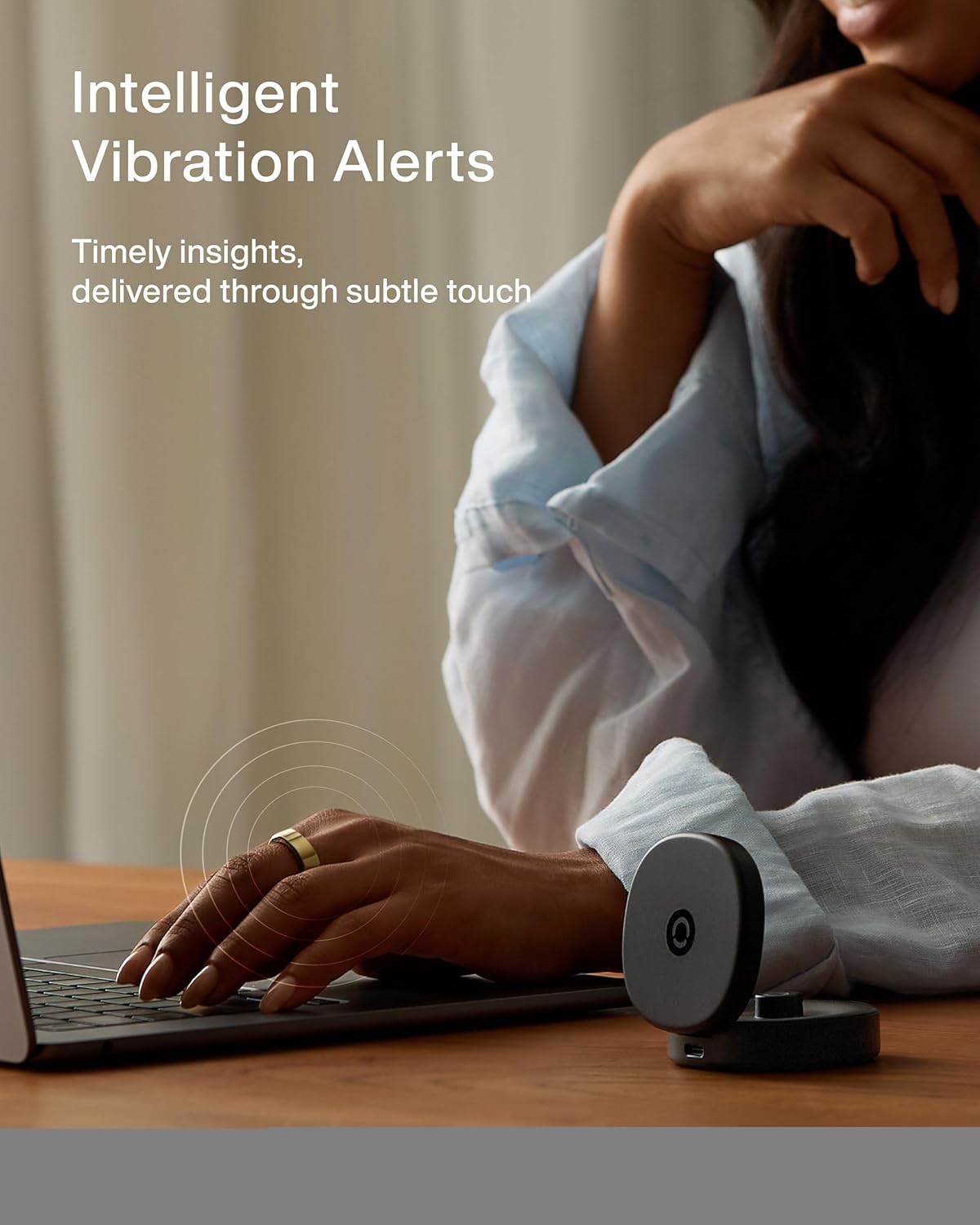
RingConn Gen 3’s vibration motor is one of its headline features — a key addition over the Gen 2. But there’s a common misunderstanding: many buyers expect smartwatch-style notifications.
This guide clarifies what the vibration actually does, what it doesn’t, and whether it matters for you.
What vibration alerts actually do
Health pattern alerts:
- Unusual heart rate patterns detected
- Low blood oxygen warnings
- Sleep apnea risk indicators
- Significant HRV drops
Reminders:
- Low battery warning (when charge drops below 20%)
- Missed tracking window (if you didn’t wear the ring long enough)
- Morning readiness score available
Finger-based alarm:
- Gentle wake-up vibration
- Works independently of your phone
- Useful if you don’t want to wake your partner with a phone alarm
What vibration alerts DON’T do
No phone notifications:
- Text messages don’t trigger vibration
- Phone calls don’t trigger vibration
- App notifications (email, social media) don’t trigger vibration
RingConn deliberately limited this feature. The company’s position: a smart ring shouldn’t buzz every time your phone gets a notification. That would be annoying and drain battery.
No custom vibration patterns:
- You can’t set different vibrations for different alert types
- All health alerts use the same vibration pattern
- No “custom notification” settings
Why RingConn limited vibration
Battery preservation: Vibration motors consume power. Constant phone notifications would significantly reduce the 17-day battery life.
User experience philosophy: RingConn’s design philosophy: the ring should be passive, not intrusive. It tracks your health quietly. Vibration is reserved for things that actually matter (health alerts, not social media).
Legal/regulatory considerations: Health alerts have different regulatory requirements than general notifications. Keeping vibration limited to health-related functions simplifies compliance.
Who finds vibration useful
Useful if:
- You want a gentle wake-up alarm without disturbing others
- You care about immediate health pattern alerts
- You sometimes forget to charge and want a low-battery reminder
- You travel and want independence from phone alarms
For sleep-related alerts, see our RingConn sleep tracking accuracy breakdown.
Not useful if:
- You expected smartwatch-style notification vibrations
- You don’t care about immediate health alerts (checking app later is fine)
- You never use alarm features
- You find any vibration on your finger annoying
Real-world experience
From early Gen 3 users:
Positive feedback:
- “The finger alarm is genuinely useful for travel”
- “Low battery reminder saved me from a dead ring multiple times”
- “Health alerts feel more immediate than just seeing a red number in the app”
Negative feedback:
- “I thought it would vibrate for texts. Disappointed it doesn’t”
- “The vibration is too gentle. I sometimes miss it during deep sleep”
Make sure you get the right fit — a loose ring can reduce vibration contact with your finger.
- “I turned it off after a week. The alerts felt unnecessary”
How to enable/disable vibration
In the RingConn app:
- Go to Settings > Alerts
- Toggle “Vibration Alerts” on/off
- Customize which alerts trigger vibration (health, battery, alarm)
You can keep vibration on for alarms but off for health alerts if you find the latter annoying. For a full walkthrough of Gen 3’s features, check our RingConn Gen 3 review.
Sources
- Lifehacker RingConn Gen 3 review (haptics behavior and settings): https://lifehacker.com/health/ringconn-3-review
- RingConn blog announcement (vibration alerts positioning): https://ringconn.com/blogs/news/gen-3-smart-ring-blood-pressure-alerts